Accessibility
The Peace Center is committed to making your visit here a premier experience. We offer multiple accessibility services and options, including assistive listening devices, sign-language interpreted performances, transport wheelchairs, accessibility parking, drop off, and more.
If you have accessibility needs, contact our Box Office at 864.467.3000 — our staff is happy to assist you with accommodations and devices.
For the best experience, reserve your Patron Assistance services through the Box Office in advance.
Accessible Drop Off Locations
Any guest with limited mobility may be dropped off along Broad Street, near the Peace Concert Hall entrance.
While the Peace Center doesn’t have any parking onsite, the City of Greenville offers accessible parking options.
Mobility Assistance
While we’re happy to provide you with mobility assistive resources, staff working at the Peace Center cannot make transfers to or from wheelchairs, seats, or vehicles; operate mobility devices; or provide personal attendant care. We encourage guests with mobility aids and wheelchairs to bring a companion to assist you with entry, navigation, and seating.
Transport Chairs: Courtesy transport chairs are available to assist guests from curbside to theater seating.
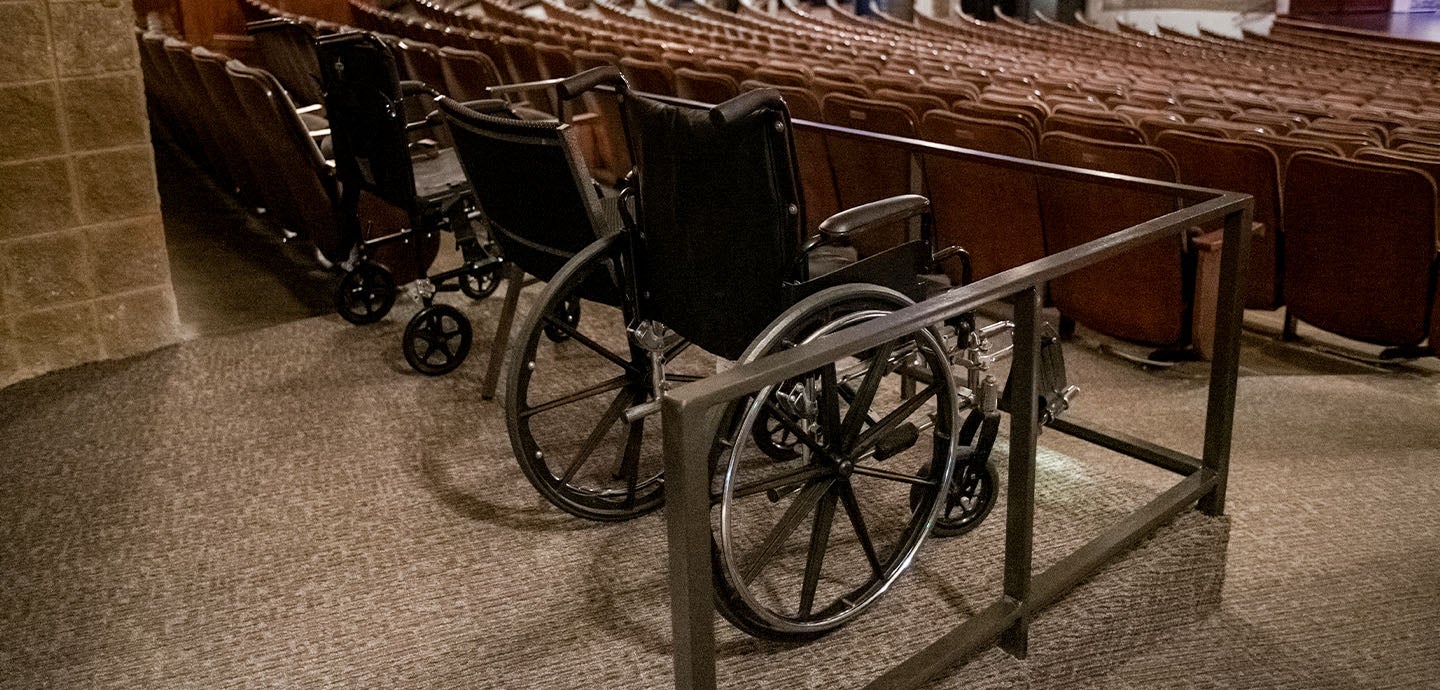
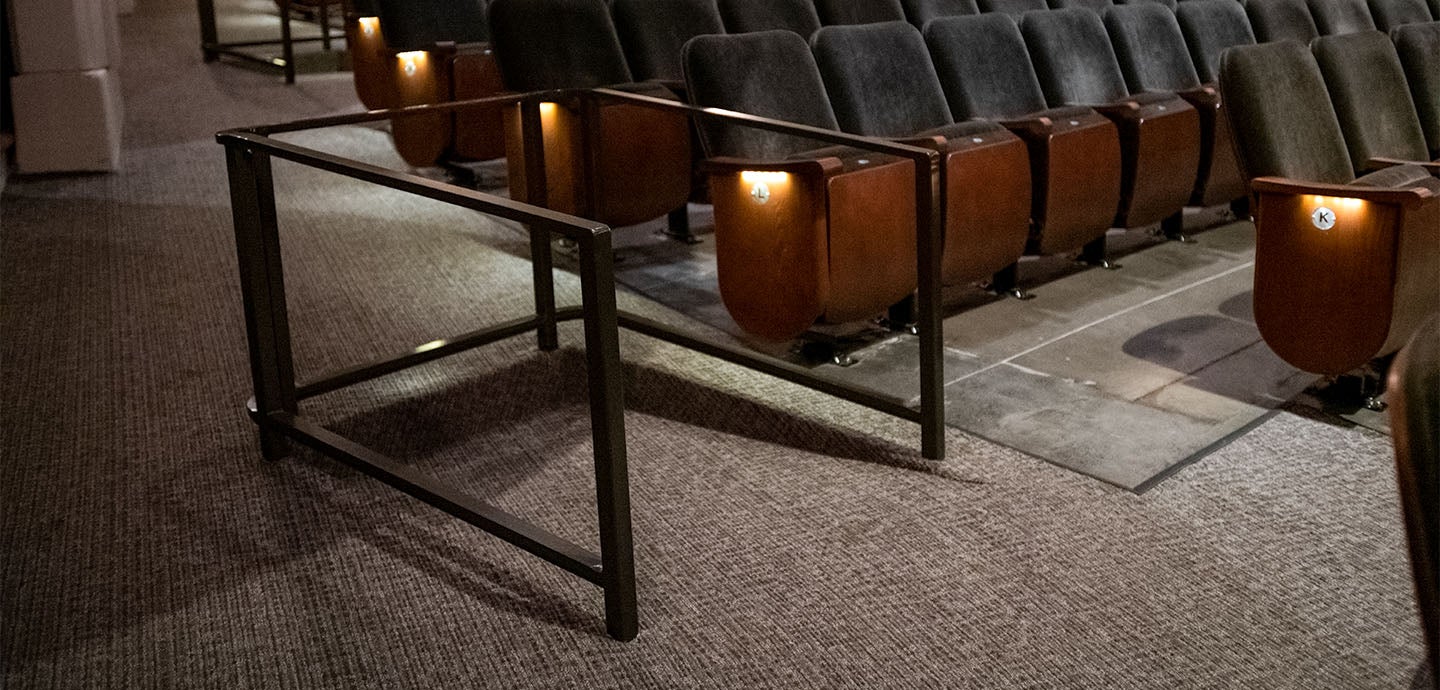
Wheelchair Accessible: Accessible seating is available in all our venues.
Elevator Access: In Peace Concert Hall, elevator access to the Founder's Circle and Balcony can be found on the house left side of the lobby. There are elevators in Coach Music Factory and down to The Pavilion.
Audio Assistance
Radio Frequency (RF) hearing devices are available in the Peace Concert Hall and the Gunter Theatre for guests with hearing loss. Headsets are available at the concierge podium near the Box Office on a first-come, first-served basis. RF headsets work from any seat in the theater.
We also offer neck loop lanyards that provide assistive listening for guests with telecoil-equipped hearing aids and cochlear implants.
Tips for the RF Hearing Devices:
When you pick up your headset or lanyard, the receiver will be powered on and already set to the correct frequency. If the receiver times out or powers off, press and hold the top power button for one second to turn on the receiver.
Check to make sure the headphones or neck loop lanyard are plugged into the output jack(s) on top of the unit. To adjust the volume, press and hold the up or down button.
ASL-Interpreted Performances
Saturday matinee performances of Broadway engagements are designated as signed performances. Please speak with a member of the Box Office team to make sure you’re seated in the correct location to see the interpreter.